
Learn
-
 Typing Club
(opens in new window)
Very easy to follow lessons. Focus on what they are telling you to do with your fingers.
Typing Club
(opens in new window)
Very easy to follow lessons. Focus on what they are telling you to do with your fingers.
-
 Typing.com Lessons
(opens in new window)
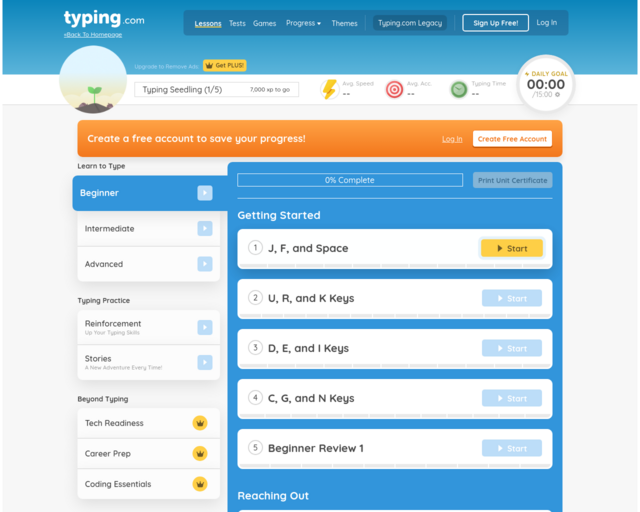
Follow the lessons at your own pace. Focus on your form!
Typing.com Lessons
(opens in new window)
Follow the lessons at your own pace. Focus on your form!
-
 Dance Mat Typing
(opens in new window)
Move through the different levels learning how to touch type. This shows the correct placement on the keyboard very clearly. Beware - the sound is a bit loud.
Dance Mat Typing
(opens in new window)
Move through the different levels learning how to touch type. This shows the correct placement on the keyboard very clearly. Beware - the sound is a bit loud.
Practice
-
 Typing.com Games
(opens in new window)
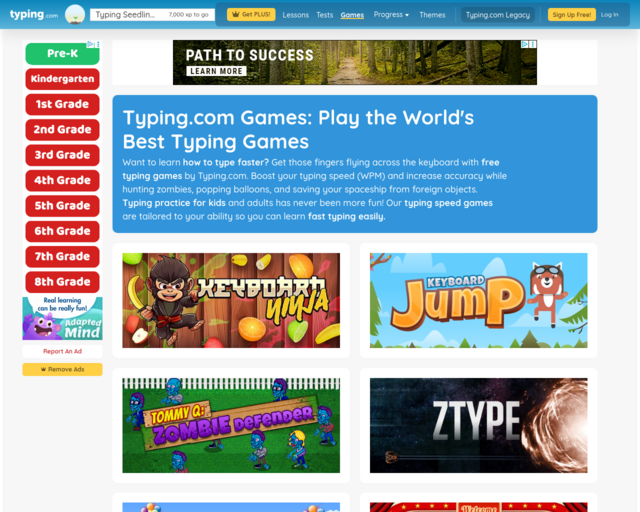
Practice your skills through these fun games! Make sure that you focus on your form!
Typing.com Games
(opens in new window)
Practice your skills through these fun games! Make sure that you focus on your form!
-
 Typing Games Zone
(opens in new window)
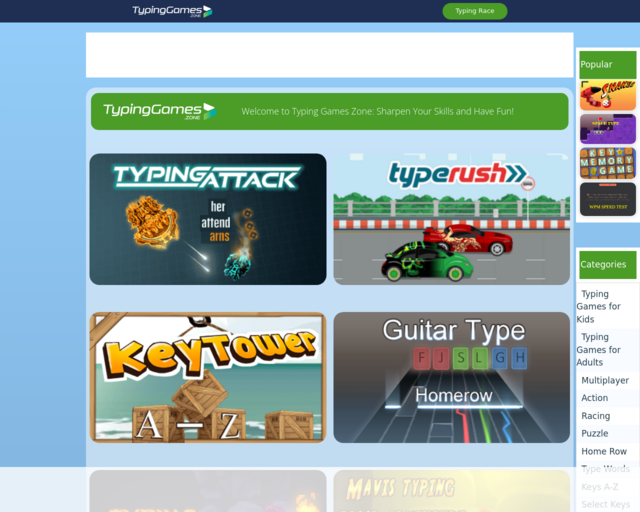
Are you looking for some games to have fun with while you improve your typing? This site has a ton of different games for all different skill levels. Check them out!
Typing Games Zone
(opens in new window)
Are you looking for some games to have fun with while you improve your typing? This site has a ton of different games for all different skill levels. Check them out!
-
 Flappy Typing
(opens in new window)
Use this game to practice once you have the basics down.
Flappy Typing
(opens in new window)
Use this game to practice once you have the basics down.
Get faster
-
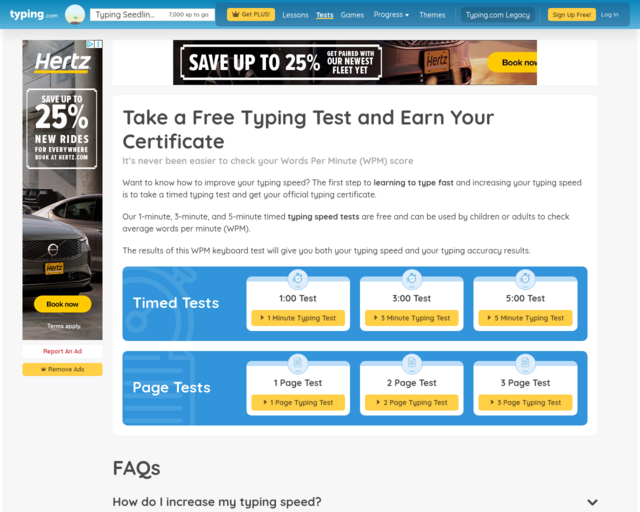 Typing Tests
(opens in new window)
How fast can you go? Challenge yourself!
Typing Tests
(opens in new window)
How fast can you go? Challenge yourself!
-
 Touch Type
(opens in new window)
This minimalist game will really challenge you! Type to start.
Touch Type
(opens in new window)
This minimalist game will really challenge you! Type to start.
-
 ZType
(opens in new window)
Clear the words before they hit the bottom of the screen by shooting them with lasers (by typing the letters)!
ZType
(opens in new window)
Clear the words before they hit the bottom of the screen by shooting them with lasers (by typing the letters)!
-
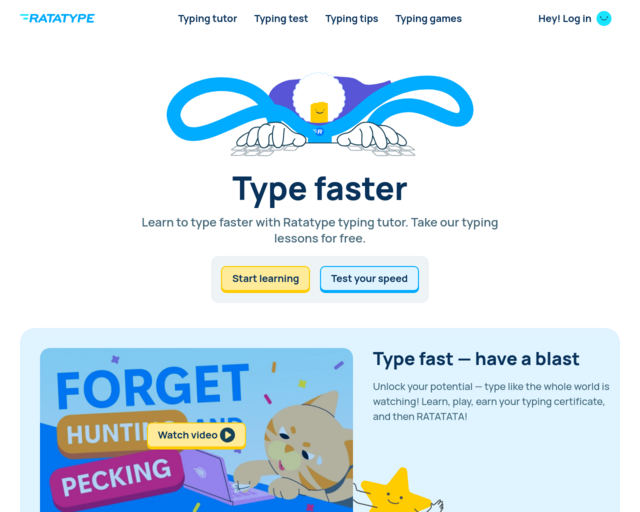 Ratatype
(opens in new window)
Use the tests and drills to get faster and more accurate!
Ratatype
(opens in new window)
Use the tests and drills to get faster and more accurate!